I listened to Syntax podcast episode 852 titled Cloudflare Tunnels. It was perfect timing because I just purchased a new DNS from Cloudflare to point at several new projects I have running on my home network. I was concerned about setting up port forwarding in my router and was researching options to securely expose applications running on my home network behind a DNS. I highly recommend you go and listen to that episode.
As for what Cloudflare Tunnel is here is an explanation from Cloudflare’s documentation:
Cloudflare Tunnel provides you with a secure way to connect your resources to Cloudflare without a publicly routable IP address. With Tunnel, you do not send traffic to an external IP — instead, a lightweight daemon in your infrastructure (
cloudflared) creates outbound-only connections to Cloudflare’s global network. Cloudflare Tunnel can connect HTTP web servers, SSH servers, remote desktops, and other protocols safely to Cloudflare. This way, your origins can serve traffic through Cloudflare without being vulnerable to attacks that bypass Cloudflare.
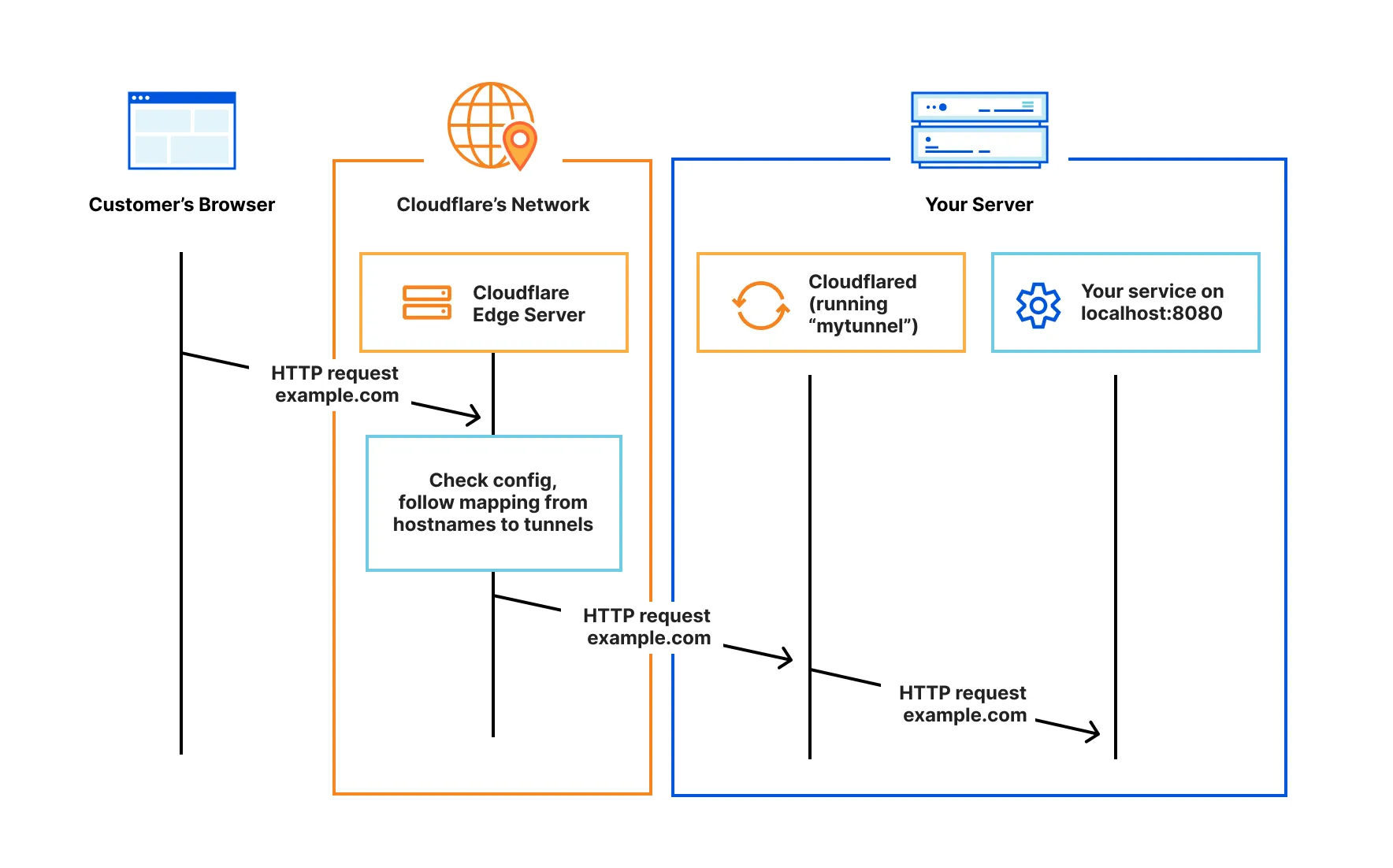
Here is a diagram from Cloudflare’s documentation showing the flow of network traffic.
Here are the steps I used to setup a Cloudflare Tunnel:
- You need to have a DNS managed by Cloudflare which you can use to connect to your tunnel, Cloudflare DNS. You can purchase a DNS from Cloudflare, Cloudflare Registrar. They sale them at cost with no markup fees.
- Create an access group to use with your tunnels, Access overview and Create a policy.
- Create the tunnel, Create a remotely-managed tunnel (dashboard). Cloudflare will automatically create the CNAME for you.
- Add your application to Access to properly secure it, Add your application to Access. One-time PIN (OTP) is the default authentication choice. Cloudflare supports many different identity providers which you can setup if you want.
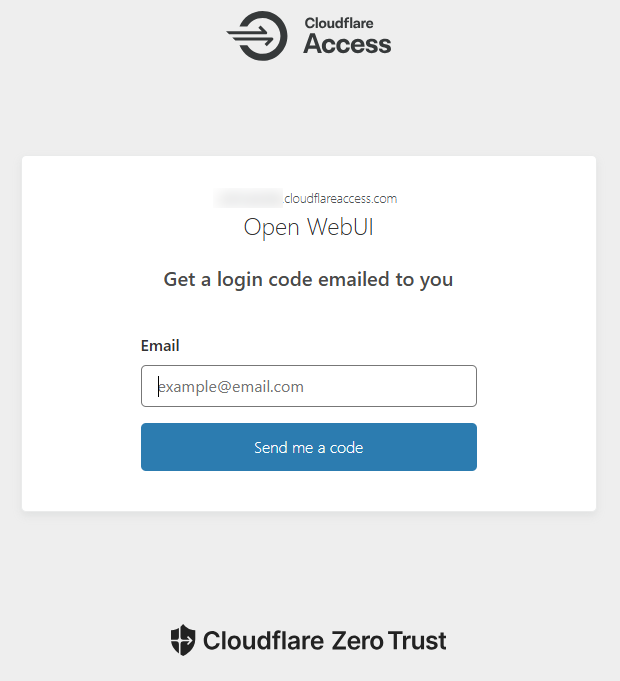
- It may take several minutes for the DNS entries to propagate, but once they do you should be able to go to your DNS and get a login page that looks similar to the below image.
Resources
- Cloudflare Docs
 Joshua Chini